
Introduction
A Triangle Calculator is a mathematical tool that is helpful for calculating various properties of a triangle in a quick and accurate manner. This calculator can be used to find the area, perimeter, and type of a triangle based on the length of the three sides without having to perform any long calculations. A triangle calculator can be very helpful when finding the answers to geometry problems, creating a design for a construction project, or checking engineering measurements. Triangles are one of the most significant shapes in engineering and mathematics.
Because of their strength and stability, they are used in a wide variety of applications in architecture, construction, surveying, navigation, computer graphics, and many other scientific applications. A triangle calculator can provide accurate results in just a matter of seconds, instead of several formulas being worked out by hand.
Why are Triangles important in Mathematics?
In mathematics, triangles are important, and they are the basis of many ideas. Sometimes shapes are more complex and can be divided into triangles, which are easier to measure and analyse. A triangle has three points, which always form a stable shape, so triangles are extensively used in engineering and structural design. Triangles are studied during geometry lessons in school, but they come up in other lessons and in adults' professions.
Triangles are used by engineers to calculate forces, architects in the design of buildings, and surveyors in measuring distances and elevation. Many people use the properties of triangles as a tool to solve problems in a variety of practical situations in different professions.

The workings of a Triangle Calculator
The first step in a Triangle Calculator is to determine if the three sides entered meet the Triangle Inequality Rule. When the measurements cannot be used to create a triangle, the calculator will alert the user immediately. The calculator automatically calculates the perimeter, area, and type of triangle, if it is valid, depending on the relationship between the sides of a triangle. The entire process only takes a few seconds and avoids common calculation errors that are likely to happen when doing manual problem-solving.
Triangle Calculators are used in a wide variety of fields.
Many professions and education disciplines use triangle calculators to assist in work.
Common users include:
● Students studying geometry.
● Mathematics teachers.
● Civil engineers.
● Architects.
● Surveyors.
● Construction professionals.
● Interior designers.
● Woodworkers
Users use these for accurate triangle calculations for solving practical measurement problems and for designing real-world projects.
Common Errors in Calculating Triangles
Numerous calculation errors are caused by entering side lengths incorrectly or by overlooking whether the side lengths form a triangle or not. A frequent error is that people use different units of measure. Adding centimeters and meters, or inches and feet together, yields the wrong answer, even if the numbers are correct. It is possible for manual calculations to make arithmetical errors, particularly when using Heron's Formula.
With a triangle calculator, you can reduce these risks by simply using the calculator to complete the calculations automatically and to verify the entered values.
Apps for calculating triangle properties in real-life contexts
New developments in technology have led to the integration of triangle calculators into educational websites, engineering software, CAD programs, and even mobile applications. These electronic instruments also enable one to solve geometry problems rapidly and accurately. Architects, surveyors, and construction workers frequently use triangle calculators along with digital surveying tools to facilitate more accurate and efficient project planning. Additionally, students gain by utilizing calculator(s) to check answers to their homework and to gain a better understanding of geometric relationships.
As the world becomes more digital, triangle calculators are still making math a breeze for anyone.
The Pythagorean Theorem
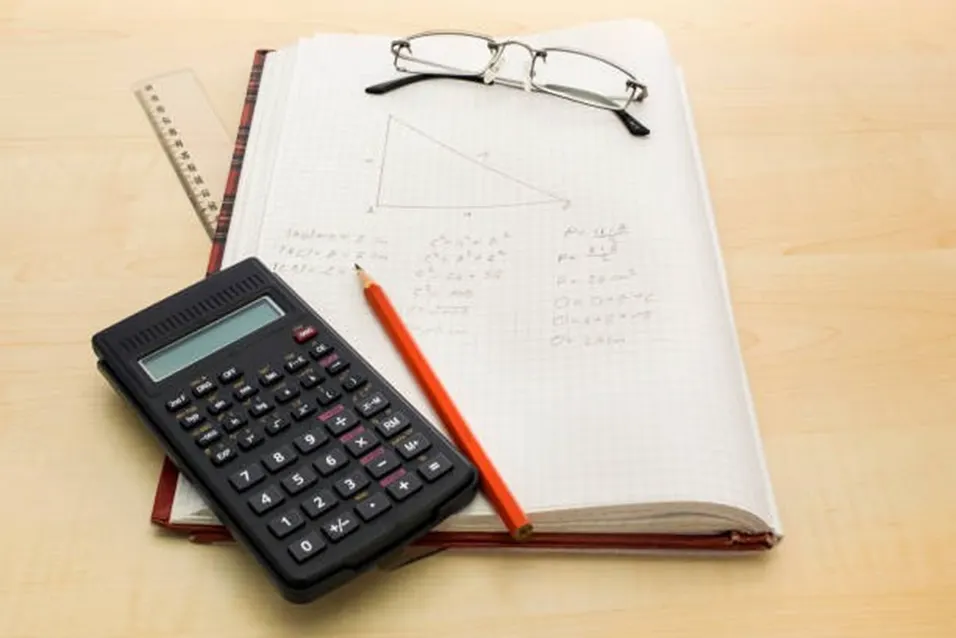
The Pythagorean Theorem is only used for right triangles. It is given that the square of the hypotenuse is equal to the sum of the squares of the other two sides.
a² + b² = c²
a and b are the legs of the right triangle. c is opposite the right angle, the hypotenuse. Classifying Triangles by Angles. Triangles can also be classified by the angles in their interior.
Acute triangle
An acute triangle is a triangle in which all angles are less than 90° (acute).
Right triangle
One angle in a right triangle is 90°. The side that is opposite the right angle is the hypotenuse. This is the method used by the Triangle Calculator to determine the type of triangle. A triangle calculator is a program that can calculate the type of triangle based on the lengths of its sides.
Some tips for accurate triangle calculations.
● Make sure that all sides are measured in the same units.
● Check if the sides meet the Triangle Inequality Theorem.
● When the height is not given, use Heron's formula.
● Apply the Pythagorean Theorem to right triangles.
● Determine if the type of triangle found is correct based on the relationship between the sides.
● The reasons for using an Online Triangle Calculator.
Frequently Asked Questions
What is the area of a triangle with 3 sides?
Yes, a triangle calculator could calculate the area if all 3 sides are known, using Heron's formula.
How is the type of a triangle determined by the calculator?
The calculator will compare the lengths of the sides and determine whether the given triangle is equilateral, isosceles, or scalene.
Is it possible for the calculator to determine if a triangle is right?
Yes, the calculator will be able to test if the side lengths form a Pythagorean triple, which will tell you if the triangle is a right triangle!
If the side lengths are not a valid triangle, what happens?
The calculator will show that the side lengths cannot make a triangle due to the triangle inequality theorem.
Why does Heron's Formula help?
Heron's formula is important because it can be used to find the area of a triangle even if the height is not known, only the three sides.
Conclusion
A Triangle Calculator is a helpful tool that can determine the area, perimeter, and type of a triangle when given three side lengths. It introduces geometric concepts, including Heron's Formula for calculating areas, and the Pythagorean Theorem for analyzing right triangles. With the knowledge of triangle properties, users can solve problems in the field of mathematics, engineering, architecture, construction, and surveying. The online triangle calculator saves time, eliminates errors, and provides a better understanding of triangle measurement calculations.
This tool yields quick, accurate, and reliable results, whether for academic research or other uses.