Introduction
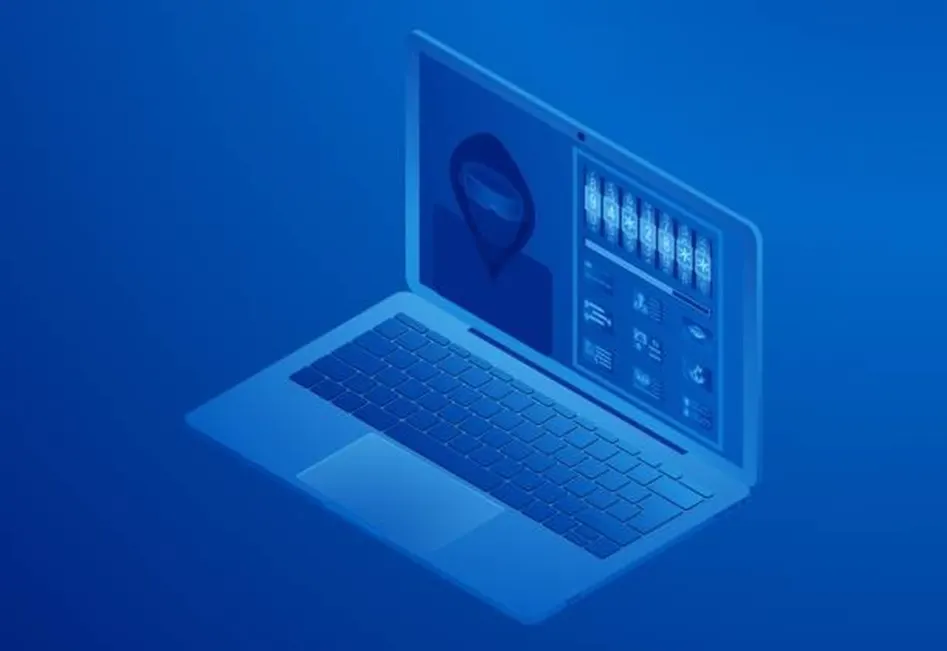
A Password Generator is a security tool that generates random and complex passwords to help safeguard online accounts from unauthorized access. A strong password is necessary to protect sensitive information, financial data, business accounts, and much more. Accounts with weak or repeated passcodes are susceptible to hacking attempts, phishing, and password cracking software. A password generator is able to solve this problem by creating passwords that are not easily guessable and do not fall into easy-to-break categories.
How to Make a Strong Password?
A strong password is a long, random, unique, and unpredictable password. Should not include regular words, personal info, or easy-to-predict patterns.
A strong password has the following properties.
Length: Passwords that are longer are typically more secure. A 12-16 or more character password is recommended.
Character variety: Mixed case passwords contain capital, lowercase, numbers, and special characters.
Randomness: They should not contain words or phrases that are easy to guess or patterns on the keyboard.
Uniqueness: Accounts should be unique so that if one account is breached, it does not impact others.
How Password Generators Generate Safe Passwords
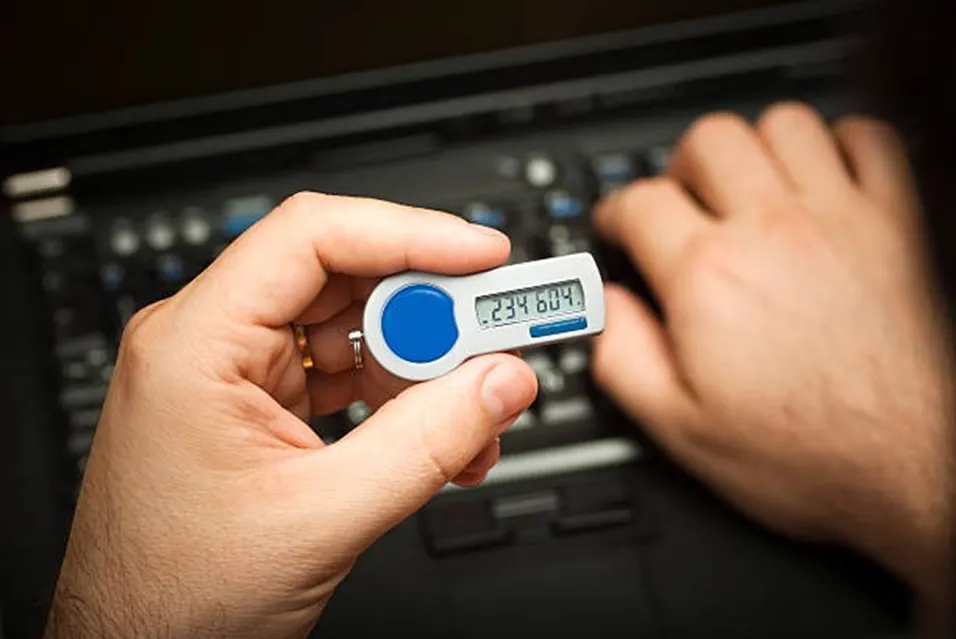
A password generator is a tool that generates a secure password by picking characters at random from a preselected set of character types. The created password might consist of uppercase letters, lowercase letters, numbers, and special characters.
Common password-making procedure
Choose the password length: The user indicates the number of characters that the password will have.
Select character sets
The user decides if he wants to have numbers, special characters, uppercase and lowercase letters.
Generate random characters
Randomly selects characters from the selected sets.
Combine the characters
Characters are added together to form the password of the desired length.
Enter the final password.
The generator shows a secure password that you can use.
Random Passwords Are More Secure
Random passwords are harder to crack, since they are not patterned in any way. Common words, names, dates, and keyboard sequences are common targets for attackers. A password created from a password generator has a lot more possibilities, particularly if it features:
● Uppercase letters
● Lowercase letters
● Numbers
● Special characters
● Greater length
All these factors make it much more difficult and time-consuming to break the password using a brute-force attack.
Benefits of Using a Password Generator
● Generates strong passwords: Makes complex passwords that are hard to guess.
● Saves time: Generates safe passwords automatically, without any manual input.
● Minimizes predictability: Doesn't use common words, names, dates, or patterns.
● Improves account security: Helps protect accounts from unauthorized access.
● Generates unique passwords: Easier to remember a unique password for each account.
Common Password Attacks
There are many ways that attackers attempt to access online accounts. Knowing about these types of attacks can assist users in selecting the best passwords and using the best security practices.
Brute-force attacks
A brute-force attack is an attack in which an attacker attempts a large number of possible combinations till he/she guesses the right password. Short passwords or simple passwords have a small number of combinations and are particularly susceptible.
Dictionary attacks
When a dictionary attack is employed, it involves a list of common words, phrases, and passwords used to attempt to guess a user's password. Passwords based on common words such as 'password,' 'welcome,' or 'qwerty' are at high risk.
Credential stuffing
In a credential stuffing attack, attackers use usernames and passwords leaked from one data breach to try accessing accounts on other websites. This attack will succeed if users have the same password for multiple accounts.
Phishing attacks
Phishing attacks deceive users by providing them with a fake email, website, or message that looks like it is from a trusted source, requiring them to disclose their password. These attacks are not based on the strength of the passwords but on social engineering.
How to Defend Against Password Attacks
The first line of defense against many password attacks is a strong password. However, with additional security practices, password strength can be increased for better protection.
Make long passwords
Whatever you do, using a long password, 12-16 characters or more, is generally more secure.
Use a variety of characters.
Use uppercase, lowercase, numbers, and special characters. Do not use predictable information: Names, birthdays, common words, simple patterns.
Make different passwords
Have different passwords for each account, as that is what will stop credential-stuffing attacks.
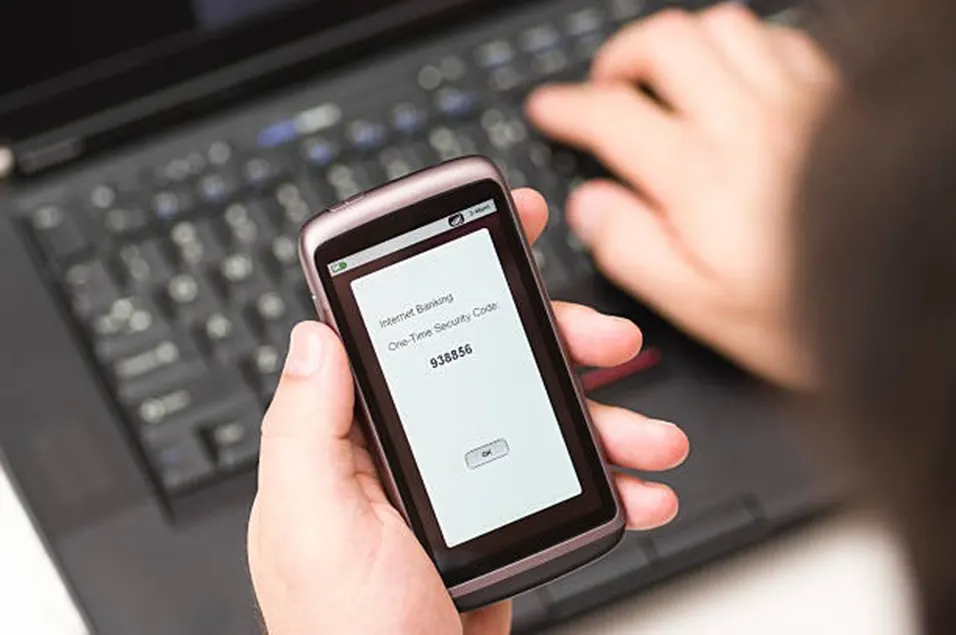
Allow two-factor authentication (2FA)
Provide an additional verification process that is required as well as the password.
How to use Passwords properly.
As crucial as making strong passwords is, it is equally important to secure them. Even with a strong password, weak password management practices can compromise security. Use a password manager: Securely store and manage passwords rather than writing them on a sheet of paper in a poor location. Generate passwords randomly: Use a password generator to create unpredictable passwords. Use different passwords for each online account: Change passwords for each account.
Change passwords as needed: If a password has been compromised or if a password needs to be changed because of a suspected breach, change the password. Secure recovery options: Secure email accounts and recovery options with secure passwords as well.
What is the purpose of a password manager?
A password manager is a software program that securely saves and arranges passwords. It enables users to keep complex and unique passwords for different accounts without having to memorise each one. Password managers may have the following features: creating strong, random passwords for new accounts. Creating strong, random passwords for new accounts. Storing credentials securely. Saving and auto-entering credentials on websites and apps. Identifying weak, reused, or compromised passwords.
How a Password Generator Supports Security
A password generator can help with security by creating random and not predictable passwords. This decreases the chances of brute-force and Dictionary attacks being successful. Generating passwords has its pros and cons. There are pros and cons of generated passwords.
High randomness: Passwords generated are not based on personal data or words.
More complex: They can contain a variety of characters.
Adjustable strength: The user can select the desired length and character sets.
Enhanced uniqueness: A new password for each account can be created.
Additional Security Measures
Strong passwords are important, but should be part of a comprehensive security strategy.
Allow two-factor authentication (2FA): Provides an extra layer of security, like a code sent to a cell phone.
Track account activity: Ensure that there are no suspicious login attempts or unauthorized changes.
Update software: Security patches are used to keep devices and applications protected from vulnerabilities.
Be aware of phishing: Check website URLs and don't click on suspicious links.
Frequently Asked Questions
Which is the safest password?
A safe password should be long, random, unique, and have different characters.
Why use a password generator?
A password generator creates secure, unpredictable passwords that are more difficult for attackers to guess or crack.
When should I change my passwords?
If you think a password has been compromised, has been stolen, or needs to be reset, change the password.
What is a password manager?
Good password managers are encrypted and are typically safe to keep multiple passwords, usually in a secure manner.
Conclusion
A Password Generator is a crucial security instrument for creating strong, random, and unique passwords. Users will have an enhanced understanding of what makes a robust password and how a password generator can create a strong password, thus enhancing the security of their online accounts. To resist common password attacks, a mix of strategies is required: strong passwords, use of unique passwords, password management software, and two-factor authentication. By following these best practices, you can have a safer and more secure online experience.